Developers & Product Teams
Demo mobile apps on a desktop monitor, share builds in standups, and interact with UI using remote control without emulators. Present new features from real devices in one click.
All-around cross-platform screen mirroring for seamless collaboration. Cast phones, tablets, and computers to any screen with low latency and secure AES encryption.
Tutorial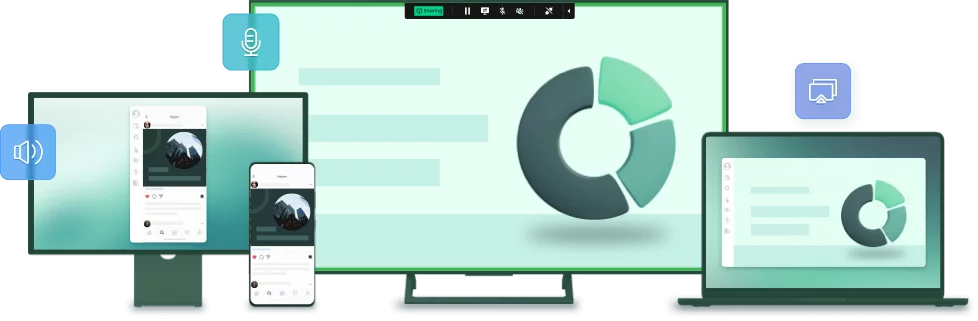
AirDroid Cast is a versatile screen sharing and remote control application for Android, iOS, Windows, macOS, web browsers, and Android TV. Real-time mirroring with audio, remote mouse and keyboard control, and casting without HDMI cables.
Whether devices share the same WiFi or sit on different networks, premium accounts unlock remote screen mirroring for teams everywhere. .
Screen mirroring with audio
Wirelessly mirror Android, iPhone, Windows, and Mac to any device. Select a capability to preview the live product demo.
Professional screen mirroring, TV casting, USB and wireless links, remote control, and multi-device sessions in one application.
Mirror screens to Windows, Mac, Android, iOS, and browsers over WiFi, LAN, or internet with real-time performance.
Learn more →Wireless mirroring to Sony, Hisense, TCL, Skyworth, Philips smart TVs on Android 5.0 and higher.
Learn more →QR code, 9-digit code, AirPlay receiver, or USB for mobile-to-PC casting with full audio.
Learn more →Control iPhone, iPad, and Android from PC with mouse and keyboard, with or without USB.
Learn more →Up to 5 devices on one PC, two-way audio, in-device sound, screen-off casting on Android USB, no time limit.
Learn more →Complete breakdown with app screenshots and links to setup guides.
Full feature list →AirDroid Cast supports professionals who need reliable screen sharing beyond basic phone-to-TV mirroring.
Demo mobile apps on a desktop monitor, share builds in standups, and interact with UI using remote control without emulators. Present new features from real devices in one click.
Assist users by viewing their device screen remotely, guide troubleshooting with two-way audio, and document issues during cast sessions for internal knowledge bases.
Display lecture notes and student work on projectors or smart boards. Turn phones into whiteboards and cast to classroom TVs for engaging, visual lessons.
Stream mobile games, videos, and music to larger screens with synchronized audio. Browse apps, shop, or watch clips on PC while keeping full touch control of the phone.
Screen mirroring and remote session tools serve different needs. AirDroid Cast focuses on mobile-to-desktop casting, multi-device mirroring, and TV output in one package.
| Capability | AirDroid Cast | TeamViewer | ApowerMirror | LetsView |
|---|---|---|---|---|
| Mobile screen to PC with audio | Yes | Limited focus | Yes | Yes |
| Up to 5 simultaneous casts to one PC | Yes | No | Varies | Limited |
| Cast to Android TV app | Yes | No | Partial | Partial |
| USB + wireless + AirPlay receiver | Yes | No | Yes | Wireless |
| Remote control phone from desktop | Yes (premium) | Remote desktop | Yes | Basic |
| Browser casting without install | AirDroid Cast Web | No | Limited | Yes |
| P2P + AES encrypted sessions | Yes | Encrypted | Varies | Varies |
Comparison reflects typical screen mirroring use cases. Choose based on whether you need multi-phone casting, TV output, or full remote desktop control.
Trusted globally for screen mirroring and remote collaboration
"Cast Android or iOS screens to any computer via cast code, USB, or AirPlay. You can click, scroll, and type on your mobile through desktop."
Screen mirroring workflow
"Works well and offers the features you would expect. Screen sharing is pretty easy to tackle with this application depending on your phone."
Cross-platform casting
"Effortless screen casting. Connect by scanning a QR code or entering a Cast Code. Interactive meetings where participants draw on the shared screen."
Collaboration
"Bidirectional voice communication enables seamless interaction between host and participants. Ideal for presentations and educational sessions."
Remote teaching
"Low-latency screen mirroring with remote input. Up to five devices cast to a single screen on the same network. User-friendly interface."
Multi-device casting
"Security scan result: Clean. Virus free, spyware free, malware free. Safe download from official distribution."
Independent scan
AirDroid Cast remote service uses peer-to-peer direct connection technology. Transmission runs between clients without a relay server when the network allows. When P2P cannot connect, relay is used only as fallback.
Content is protected with end-to-end AES encryption. Servers do not store transmitted screen data or session content, supporting user privacy during cast sessions.
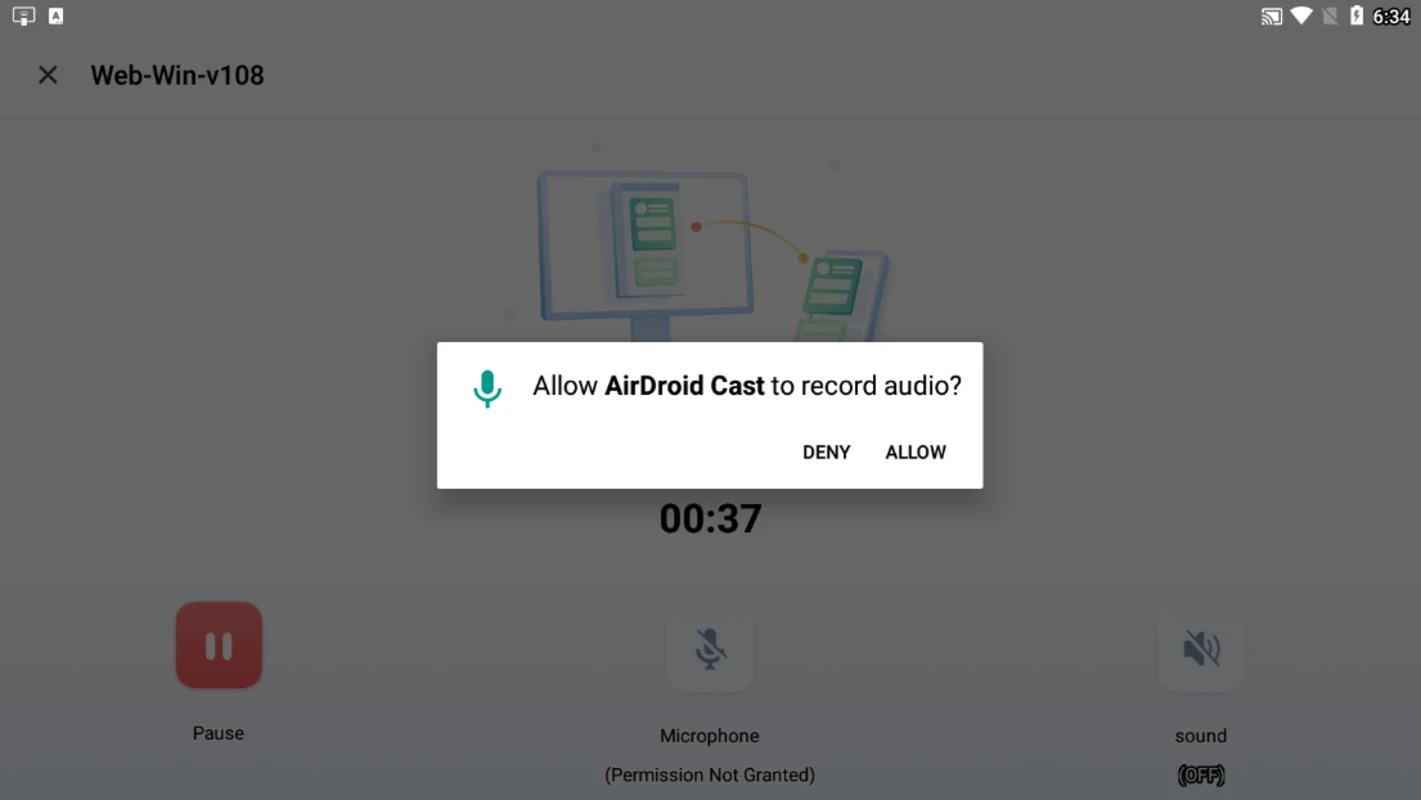
With a premium account, remote screen mirroring lets you cast between devices that are not on the same internet connection. Free accounts typically require the same local network.
Sessions use P2P when possible and AES end-to-end encryption. Relay servers do not retain your cast content. Download only from official packages listed on our Download page.
You can mirror up to five devices on one computer simultaneously when they are on the same network, supporting team demos and classroom setups.
Download AirDroid Cast for Windows, Mac, Android, iOS, TV, or use the browser receiver. Version 3.8.0.4 available now with install guides and integrity checks.
Go to Download PageExplore more about AirDroid Cast screen mirroring, downloads, and security.